

Printer Setup
By Pariwar EngineeringVerifiedCategory: IT & NetworkingLocation: BhaktapurRating: 0.0Duration: 60 min
Need help setting up a new printer or sharing it across multiple devices?
Pariwar Sewa provides reliable Printer Setup & Sharing Services for homes, offices, schools, shops, and businesses. Our technicians ensure your printer is properly installed, configured, and connected so you can print smoothly from desktops, laptops, tablets, and smartphones.
Whether you have a USB, Wi-Fi, or network printer, we make printing simple, fast, and hassle-free.
Our Printer Services
Printer Installation
Professional installation and configuration of new or existing printers for Windows and macOS devices.
Wireless Printer Setup
Configure Wi-Fi-enabled printers for cable-free printing from multiple devices.
Network Printer Sharing
Set up a shared printer over your home or office network so multiple users can print from a single printer.
Driver Installation & Configuration
Install the latest printer drivers and software to ensure maximum performance and compatibility.
Scanner Setup
Configure scanning functions, scan-to-PC, and scan-to-email features (supported models).
Printer Troubleshooting
Resolve common issues such as:
- Printer Offline
- Paper Jam Errors
- Driver Problems
- Wi-Fi Connection Issues
- Slow Printing
- Print Queue Errors
Features
✔ Network Printer Sharing
✔ Windows & macOS Support
✔ Mobile Printing Configuration
✔ Wi-Fi Direct Setup
✔ Driver Installation & Updates
✔ Print Quality Optimization
✔ Remote Troubleshooting Support
Supported Printer Brands
We install and configure printers from leading brands including:
- HP
- Epson
- Canon
- Brother
Our Installation Process
- Device Inspection
- Printer Installation
- Driver & Software Setup
- Wi-Fi / LAN Configuration
- Network Sharing
- Mobile Printing Setup
- Test Print & Scanner Testing
- User Demonstration
Suitable For
- Homes
- Small Offices
- Corporate Offices
- Schools & Colleges
- Shops
- Hospitals
- Hotels
- Government Offices
- Businesses
Why Choose Pariwar Sewa?
- Experienced Technical Team
- Fast On-Site Service
- Professional Installation
- Affordable Pricing
- Reliable Troubleshooting
- Friendly Customer Support
- After-Service Assistance
Print Without Hassle
Avoid printer setup issues and network configuration problems with Pariwar Sewa's professional Printer Setup & Sharing Service. We ensure your printer works efficiently across all your devices, allowing you to print, scan, and share documents with ease.
⚠️ Important Notice
To maintain the quality and accuracy of our services, Pariwar Sewa does not provide urgent or same-day service requests. Processing times vary depending on the type of service. We kindly request all clients to submit their requests in advance. Thank you for your understanding and cooperation
PrinterPrinter setup
Gallery
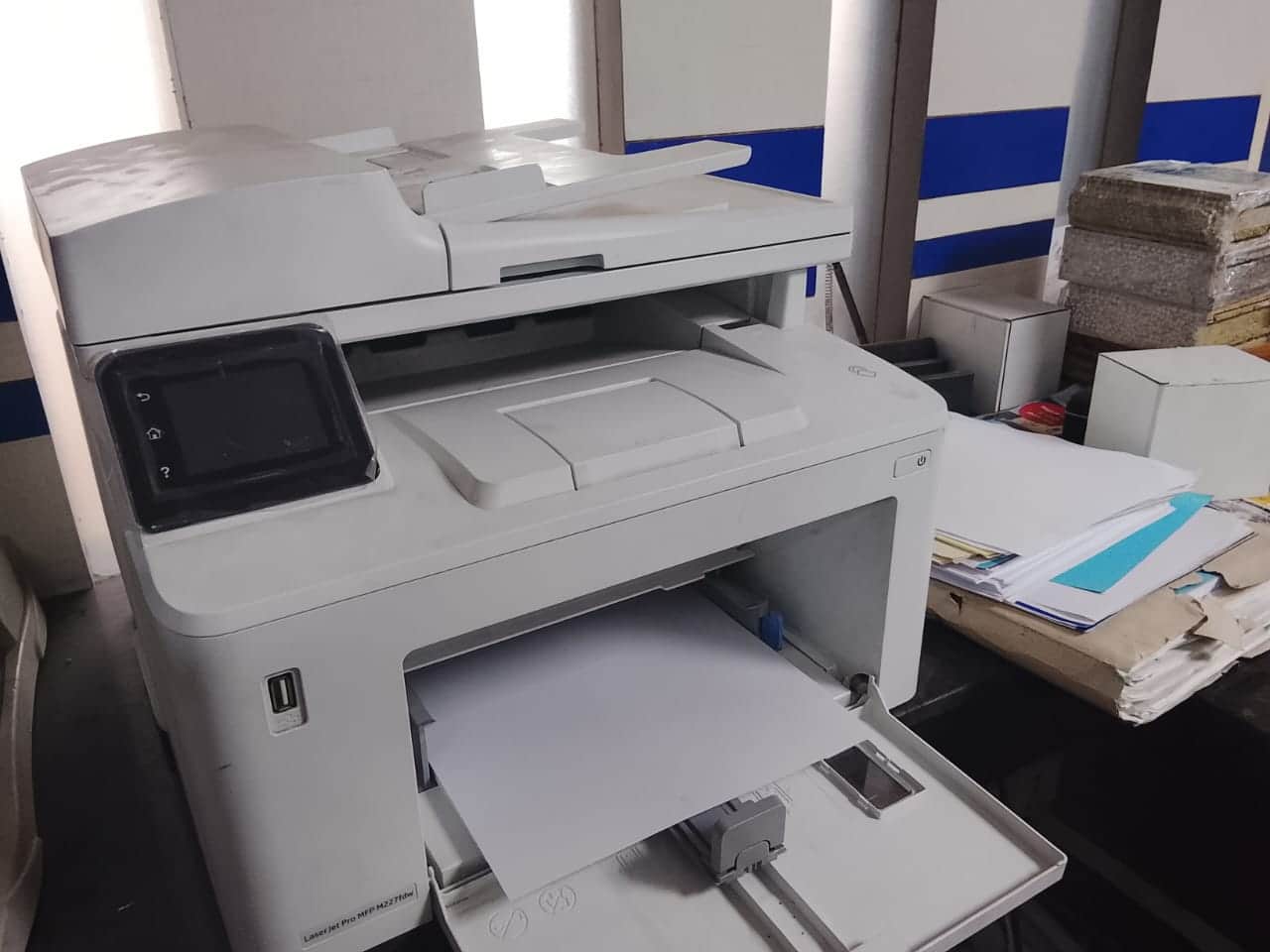
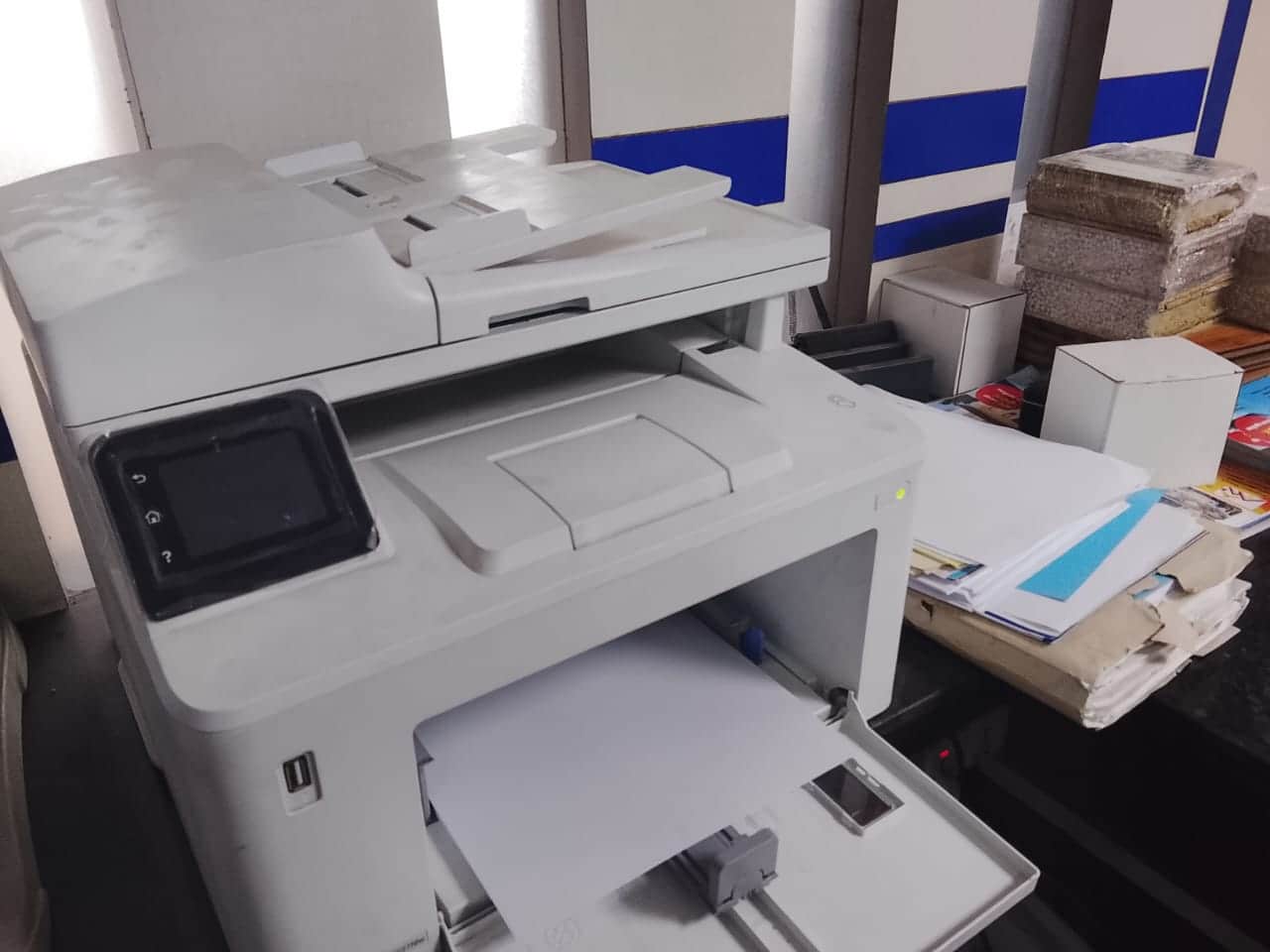
About Printer Setup in Bhaktapur
Professional printer installation, driver setup, network configuration, and ongoing maintenance for homes and offices in Nepal. Get your printer working on the first visit.
- Printer installation and driver setup for all major brands
- Wireless and network printer configuration
- Multi-computer printer sharing setup
- Troubleshooting offline, error, and connectivity issues
- Printer maintenance and ink/toner guidance
Getting a printer working correctly in Bhaktapur can be surprisingly frustrating — wrong drivers, wireless connection failures, and shared printing errors are common problems. Our platform connects you with experienced IT technicians who handle printer setup from unboxing to first successful print, covering all major brands including HP, Canon, Epson, Brother, and Samsung.
Printer installation involves more than plugging in a USB cable. Technicians identify the correct driver version for your operating system, configure print quality settings, and test all functions including scanning and copying if your device supports them. Proper setup at the start prevents most of the issues that cause printers to stop working within days of installation.
Wireless printer setup is increasingly common in homes and small offices in Kathmandu Valley. Technicians connect your printer to your WiFi network, configure WPS or manual network settings, and install it on all devices you need — Windows, Mac, Android, and iOS. They also set up mobile printing apps so you can print directly from your phone.
Network printer sharing lets multiple computers in your office use one printer without USB cables. Technicians configure sharing through your router or a dedicated print server, set access permissions, and test printing from each workstation. This is ideal for small offices in Bhaktapur that want to avoid buying multiple printers.
If your printer is already installed but showing as offline, printing blank pages, or throwing error codes, a technician can diagnose and fix it quickly. Common issues include outdated drivers, spooler errors, misconfigured network settings, and paper feed problems. Most software and connectivity issues are resolved in a single visit.
Printer setup in Bhaktapur is launching soon. Once live, you'll be able to share your printer brand and model, the devices you need it connected to, and whether you need USB, WiFi, or network setup — the technician will arrive with the tools and knowledge needed to get everything working without lengthy back-and-forth.
For offices setting up multiple printers or replacing old equipment, technicians can handle bulk installations and configure each unit consistently. They document settings so your IT team or a future technician can replicate the setup without starting from scratch.
Ongoing printer issues are often linked to driver conflicts after Windows or macOS updates. Technicians can check for compatibility, reinstall or update drivers, and adjust settings so your printer continues to work correctly after system changes in Bhaktapur.
Service FAQs
How do I book Printer Setup?
Call us with your preferred time. Our team will confirm details for Bhaktapur.
What is included in Printer Setup?
The service scope is listed in the details. You can message our team for any custom requests.
How do payments work?
You review the price before booking. Payments are handled securely through the platform.
Can I reschedule or cancel?
Yes, you can manage bookings from your dashboard, subject to our cancellation policy.
Call Now to Book
Book this service
Call us to schedule and place your order
* Final pricing may vary based on additional tasks, location, accessibility, specific requirements, and service complexity. You will be notified of the final quote by our team.
Advance Booking Required: Services must be booked at least 1 days in advance. This allows our team time to prepare and ensure quality service delivery.
Minimum Service Charge: A base charge of NPR 1000 applies. The final price may vary depending on your location, area accessibility, and service complexity.
Emergency Service Charge: An additional charge of NPR 1000 applies for urgent or priority requests. This ensures faster response and immediate service availability.